
Triggers and schedules
Trigger from code#
const handle = await helloWorld.trigger({ message: "Hello world!" });Output: a handle for the new run.
The public quickstart recommends a type-only task import when triggering from backend code, so task code is not bundled into the backend path.
Delay a run or let it expire#
Trigger options control when a run may start. delay holds the run until later; ttl drops it if it has not started in time.
await helloWorld.trigger({ message: "Later" }, { delay: "1h" });
await helloWorld.trigger({ message: "Now or never" }, { ttl: "10m" });
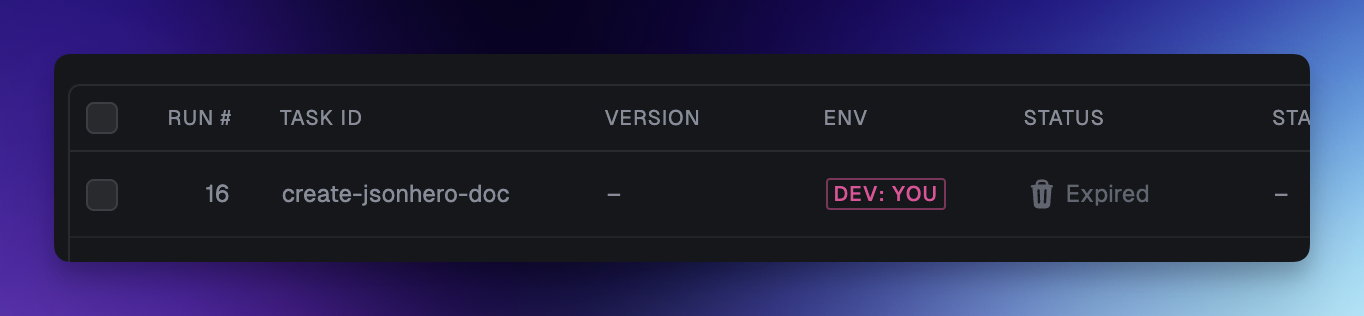
Output: the first run waits an hour in the Delayed state; the second expires if no worker starts it within 10 minutes.

See the upstream triggering reference for every option.
Schedule a task#
Declarative schedules live in code and are version controlled with your project.
import { schedules } from "@trigger.dev/sdk";

export const morningTask = schedules.task({
  id: "morning-task",
  cron: {
    pattern: "0 5 * * *",
    timezone: "Asia/Tokyo",
  },
  run: async () => {
    // recurring work
  },
});
Output: the task runs on the declared cron pattern, adjusted for the specified timezone.
Schedules can also be created through the SDK for multi-tenant use. Confirm the current SDK signature in the upstream scheduled tasks documentation.
Attach a schedule in the dashboard#
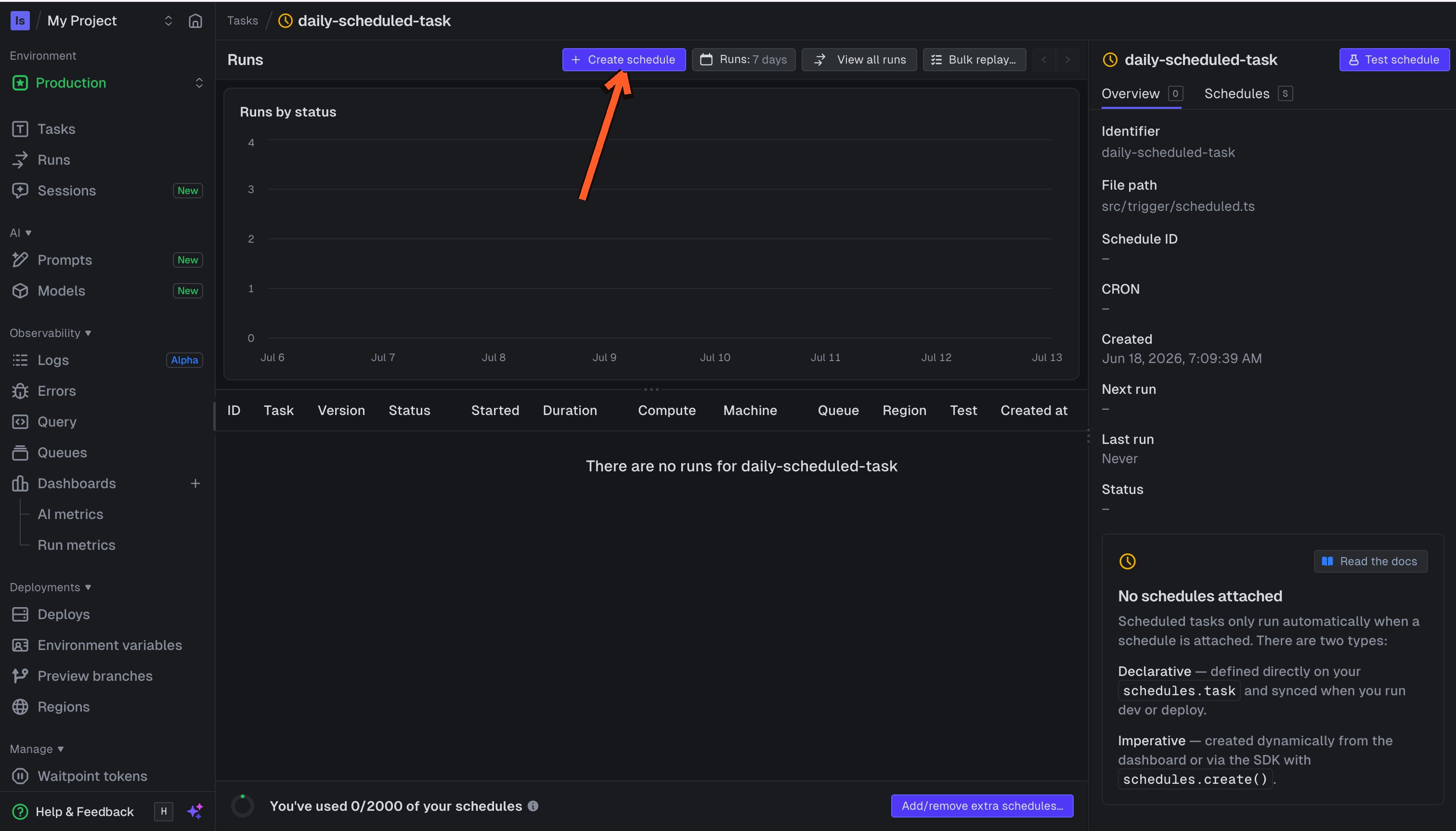
Open Schedules in the dashboard, select New schedule, pick the scheduled task, and enter the cron pattern and timezone.
Test a schedule#
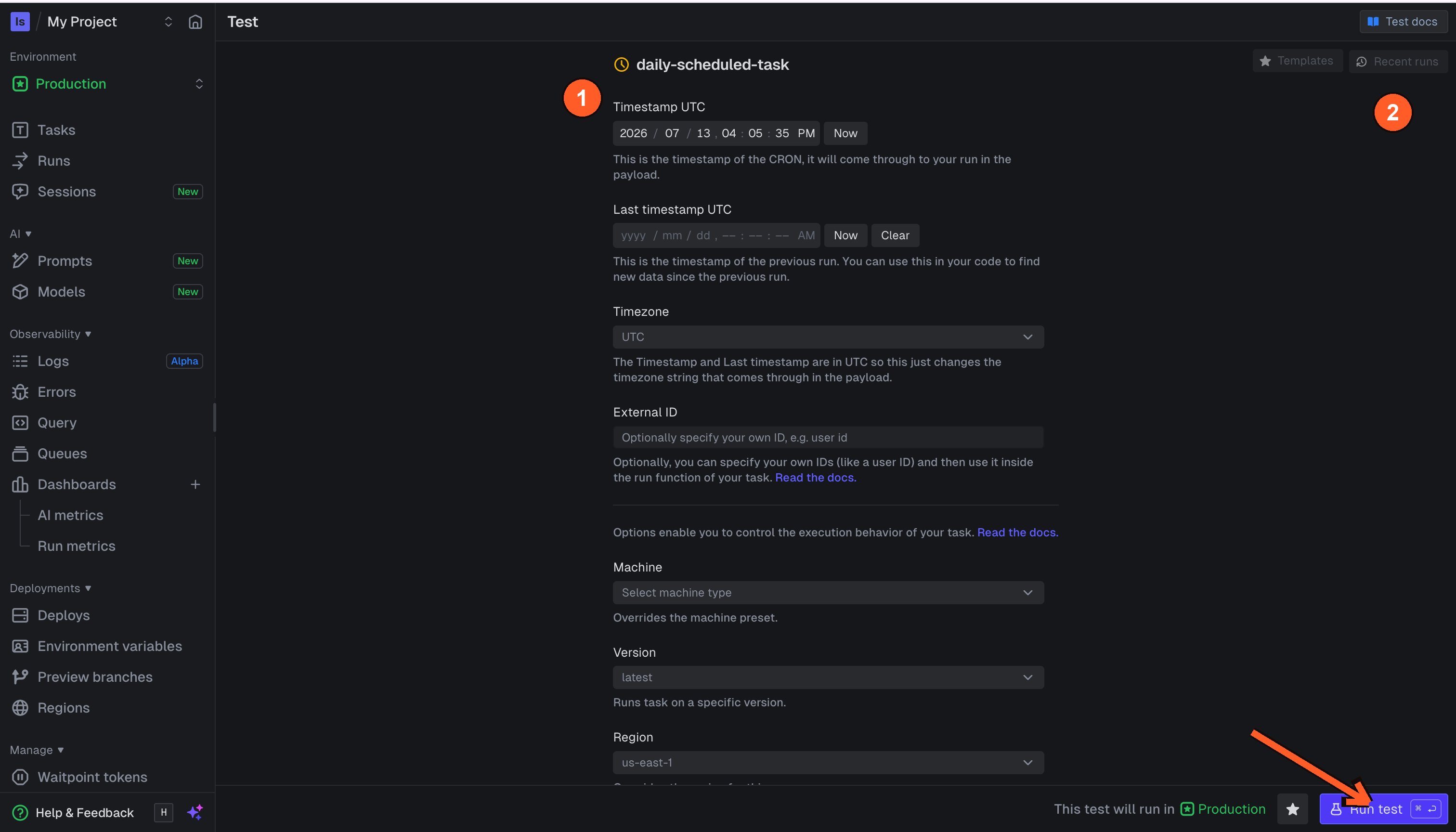
On the task's Test page you can run a scheduled task immediately with a chosen timestamp instead of waiting for the next cron tick.
Choose a trigger#
- Backend trigger — start work after a user action or API request.
- Dashboard test — verify a task during development.
- Declarative schedule — run recurring internal work from versioned code.
- Imperative schedule — attach dynamic schedules to tenants.
This demo keeps the schedule examples intentionally small. Use the upstream Trigger.dev docs for the complete schedule, trigger, and authentication reference.