
Quickstart
Sign up at Trigger.dev Cloud, or continue to self-hosting.
Run the CLI from your project root.
npx trigger.dev@latest initWith pnpm use pnpm dlx trigger.dev@latest init; with yarn, yarn dlx trigger.dev@latest init.
The CLI installs the SDK, creates a /trigger directory, and can add a Hello World task.
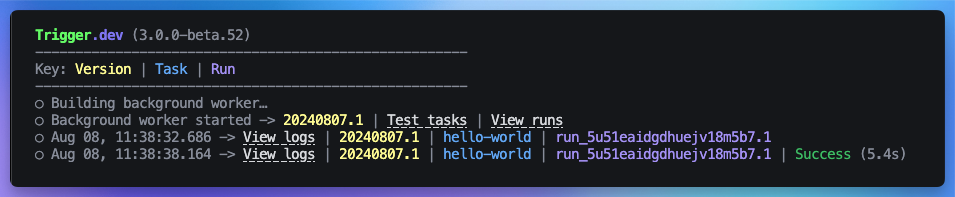
npx trigger.dev@latest devOutput: the CLI prints useful URLs, including a link to the dashboard, and logs each run as it completes.
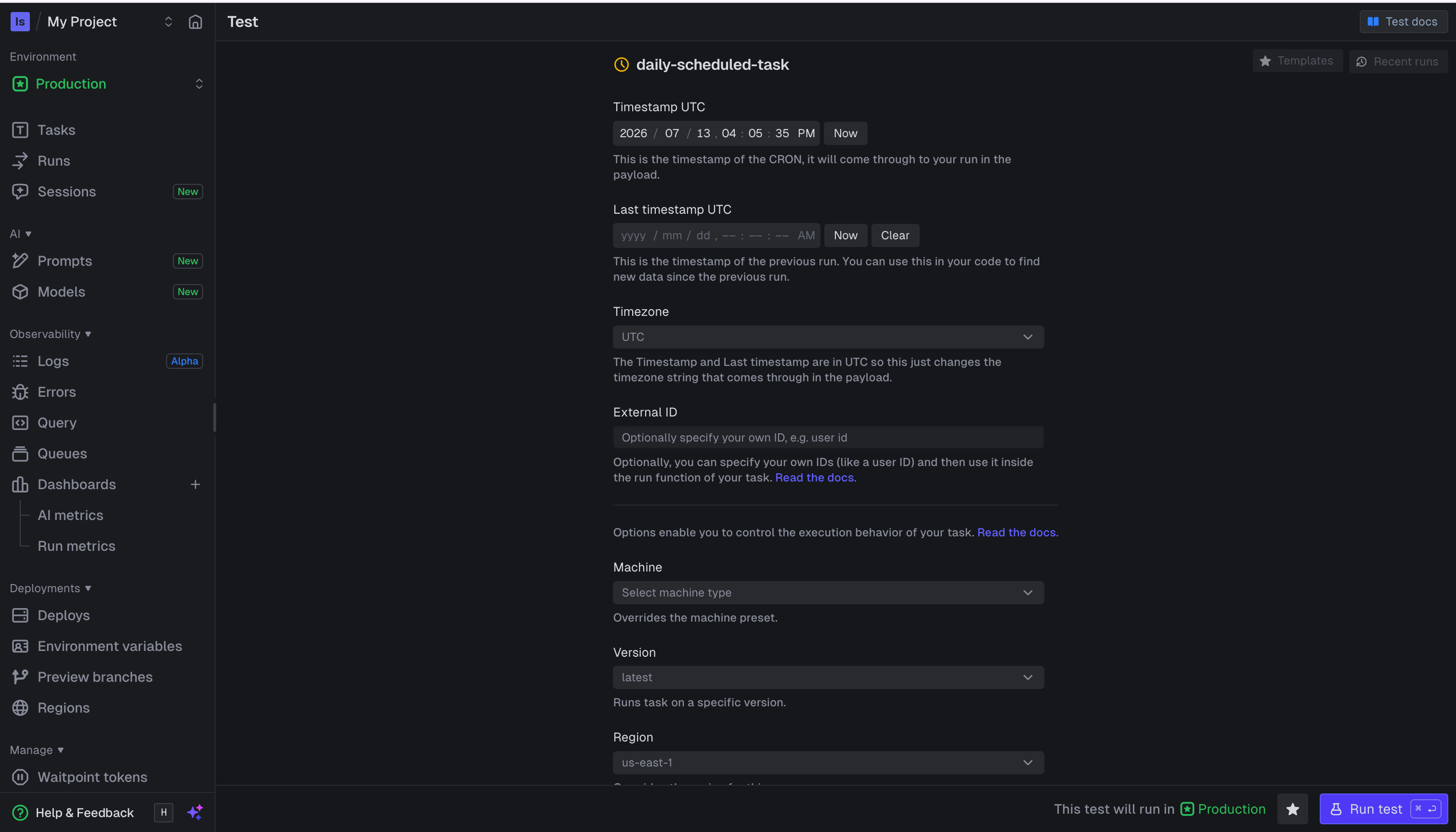
Open the dashboard. Find the example task. Select Test, then Run test.
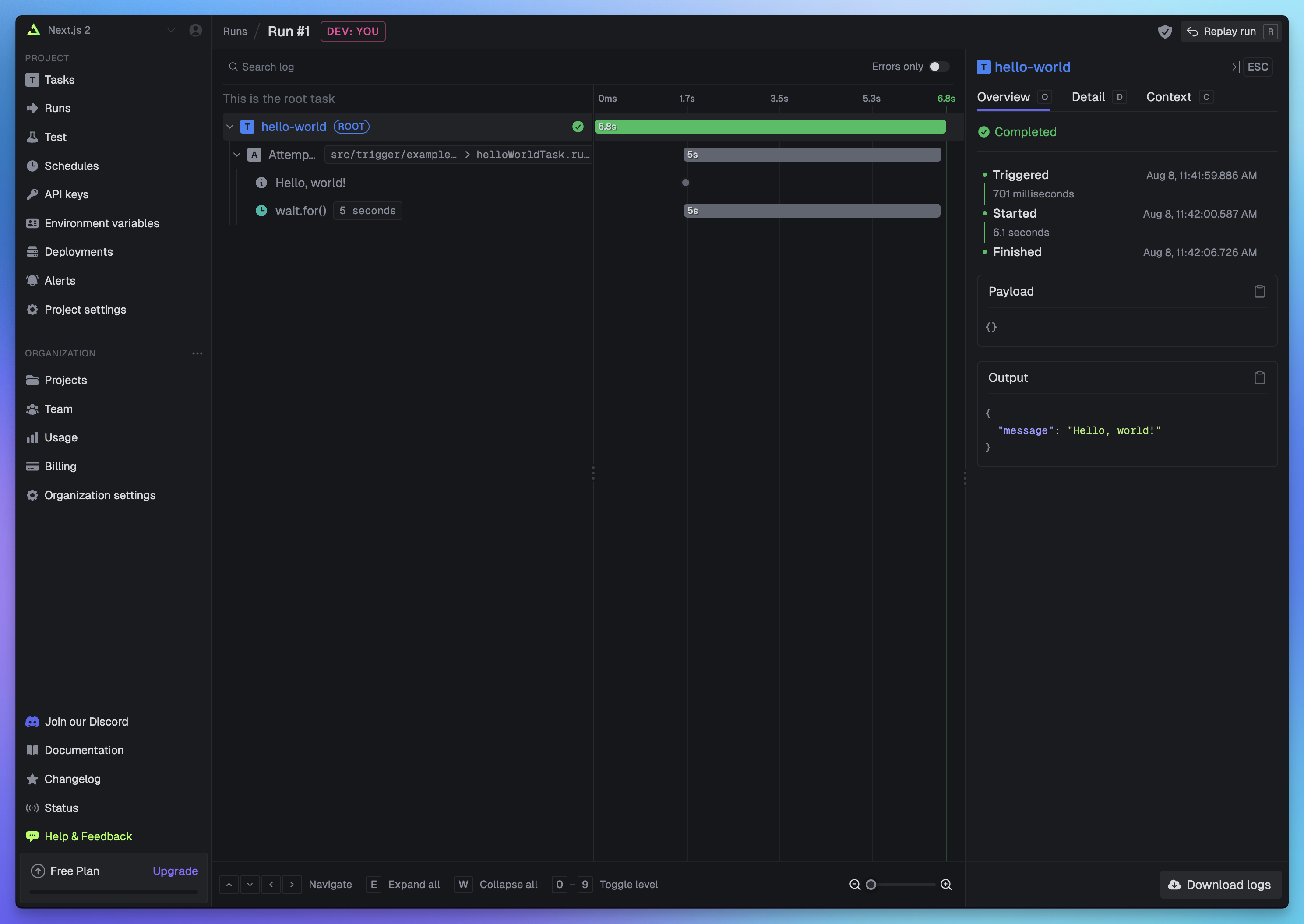
Output: a run page live-reloads with the current run state.
Create a named Development API key with Trigger only access. Store it as TRIGGER_SECRET_KEY.
TRIGGER_SECRET_KEY=tr_dev_sk_...Then trigger the task from backend code.
import type { helloWorld } from "./trigger/hello-world";
import { tasks } from "@trigger.dev/sdk";

const handle = await tasks.trigger<typeof helloWorld>("hello-world", {
  message: "Hello from my app!",
});

console.log(handle.id);
Output: a run handle with an ID you can use to check status, cancel, or retry the task.
Always import from @trigger.dev/sdk. The public quickstart marks @trigger.dev/sdk/v3 and the deprecated client.defineJob() API as incorrect for current setup.